In June 2022 we ran a small experiment: the same WordPress site on MySQL and on SQLite, tested with PageSpeed. SQLite came out slightly faster and much simpler to manage. Four years later the idea has gone from a hobby plugin to an official WordPress project. It is still not in WordPress core, but it is far more usable than it was.
Why SQLite at all? MySQL is a separate database server. SQLite is a single file that lives inside the site’s folder. No database server, no user accounts, no connection settings. For a small blog or a site you clone often, that changes how you work.
Our 2022 Test Results
The screenshots below are from the original test on WordPress 6.0, same theme and content, PageSpeed on mobile and desktop.
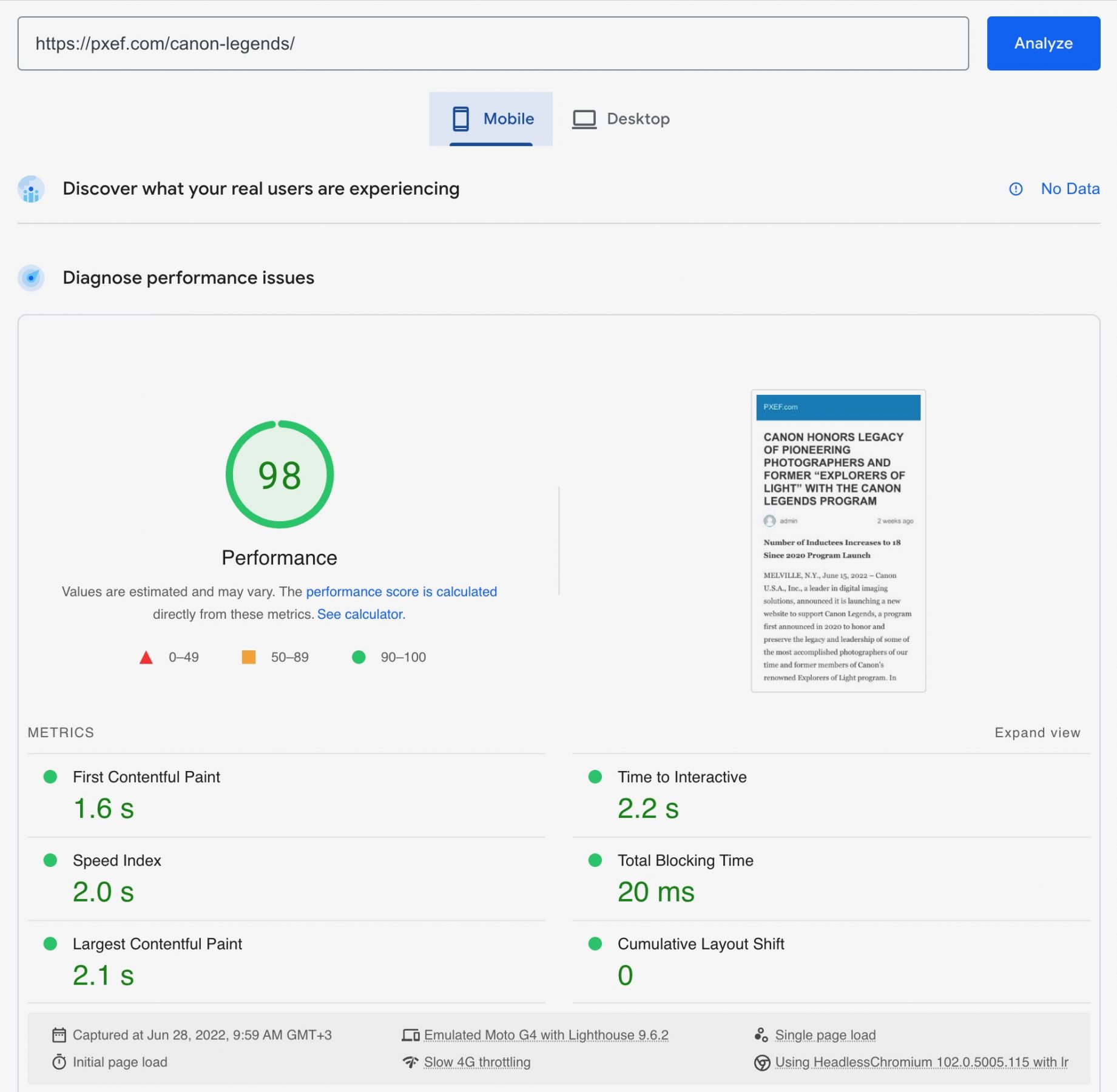
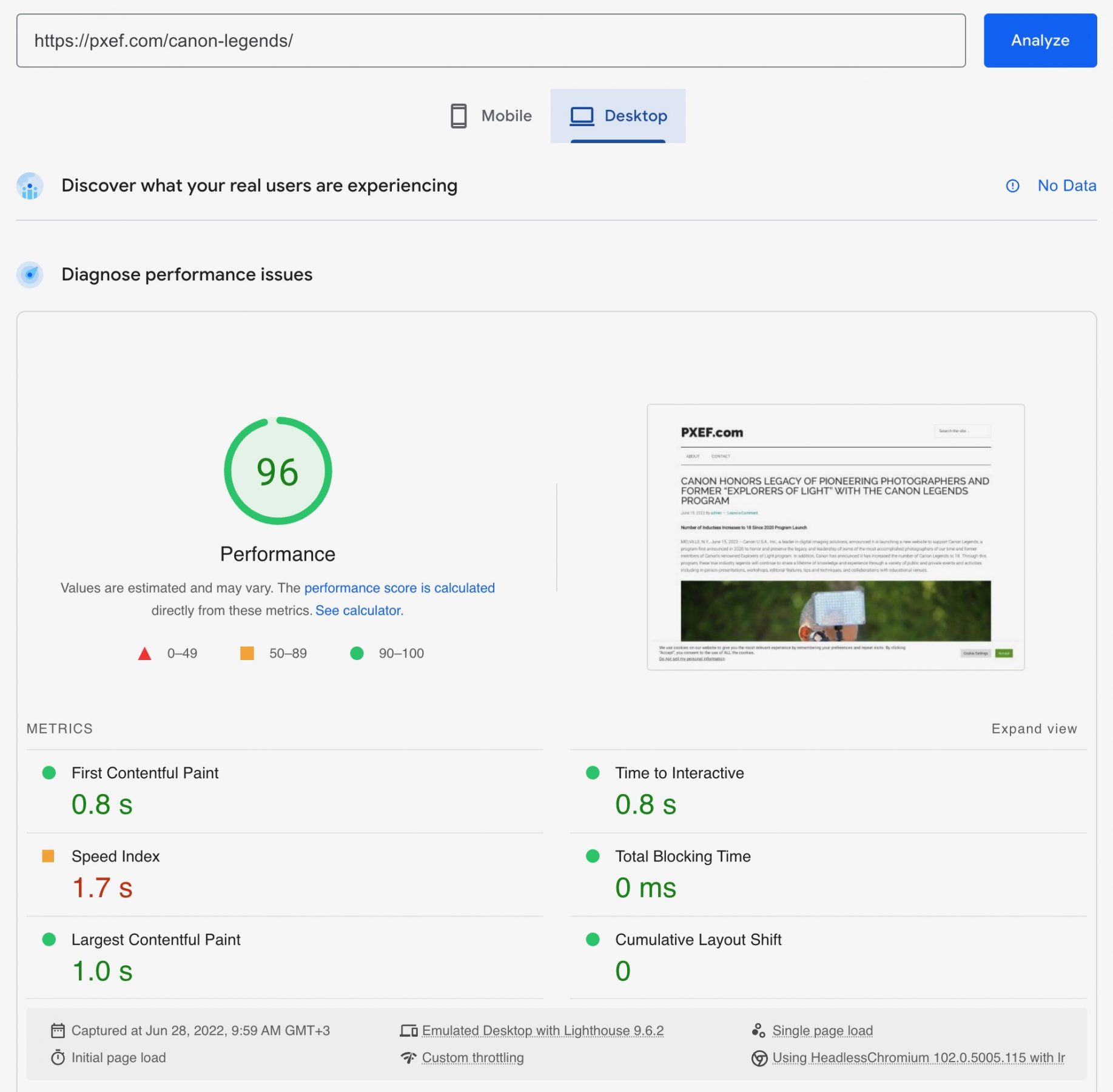
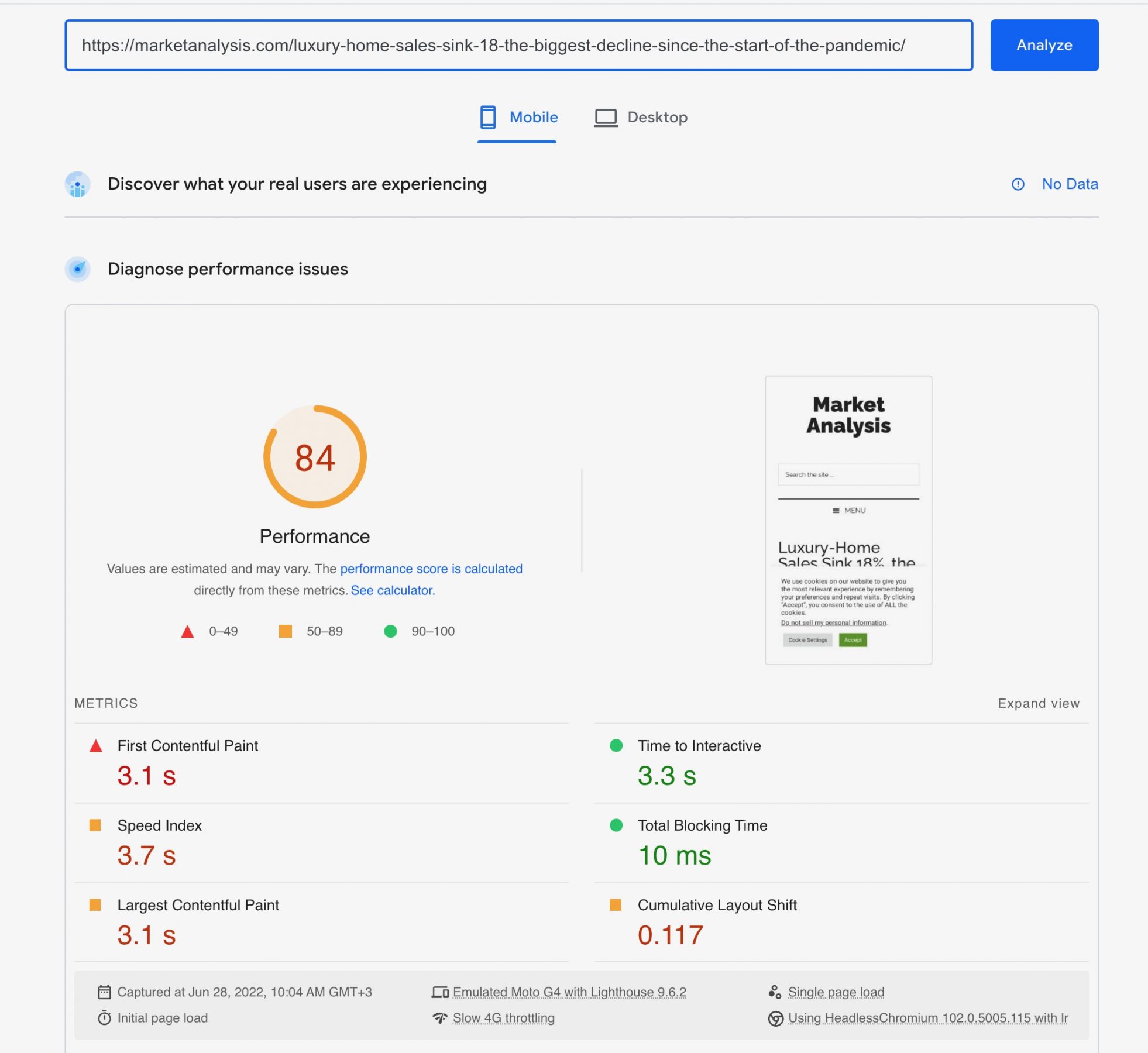
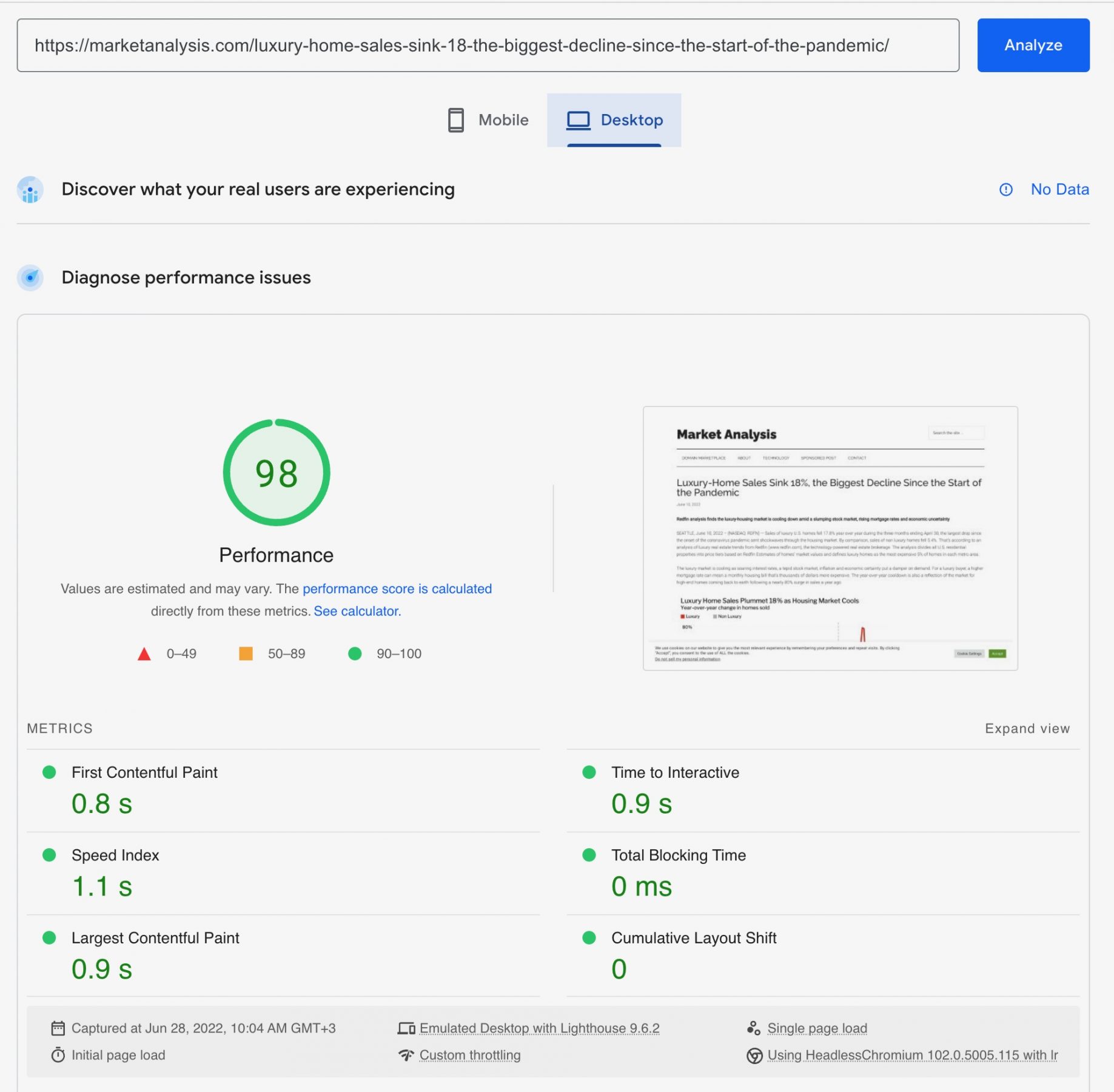
A word of caution on what this shows. For a small site with page caching, the database is rarely the bottleneck, so the gap was small. SQLite wins on latency because there is no network hop to a database server. MySQL wins under heavy concurrent writes, such as busy WooCommerce stores, membership sites or many logged-in editors at once.
SQLite vs MySQL for WordPress
| SQLite | MySQL or MariaDB | |
|---|---|---|
| Setup | Copy files, activate plugin | Create database, user and password |
| Backup and cloning | Copy one folder, database included | Export and import the database separately |
| Hosting | Any PHP host, even without a database | Needs a database server |
| Read speed on small sites | Very fast, no network hop | Fast |
| Heavy concurrent writes | Weak, one writer at a time | Strong |
| Plugin compatibility | Most plugins work; some with raw MySQL queries break | Everything works |
| Status | Official feature plugin, not yet in core | Default |
What Changed Since 2022
An official plugin. Our test used an old community plugin by Kojima Toshiyasu. Since then the WordPress Performance team took up the idea, proposed native SQLite support in core in September 2022 and built the SQLite Database Integration feature plugin. Version 3, released in 2026, brought a new driver rebuilt from the ground up, and it now supports WordPress 7.1. The goal is still to merge it into core one day.
WordPress Playground. The browser-based WordPress that runs entirely in your tab uses SQLite under the hood. Millions of test sites run that way, which has flushed out many compatibility bugs.
Static and headless options grew too. Many publishers who wanted speed and simplicity went further and left WordPress for static site generators such as Hugo on Cloudflare Pages. SQLite is the middle path: keep the WordPress editor and plugins, drop the database server.
When to Use SQLite
- Small blogs and brochure sites with one or two editors.
- Development, staging and demo copies you clone often.
- Many near-identical sites built from one template, where copying a folder beats configuring each install.
Stay on MySQL for shops, membership sites, high-traffic sites with many logged-in users and anything that relies on plugins with custom MySQL queries.
For the practical steps, our sister site has a guide to two ways to run WordPress on SQLite. More software coverage is in Technology and Software.
